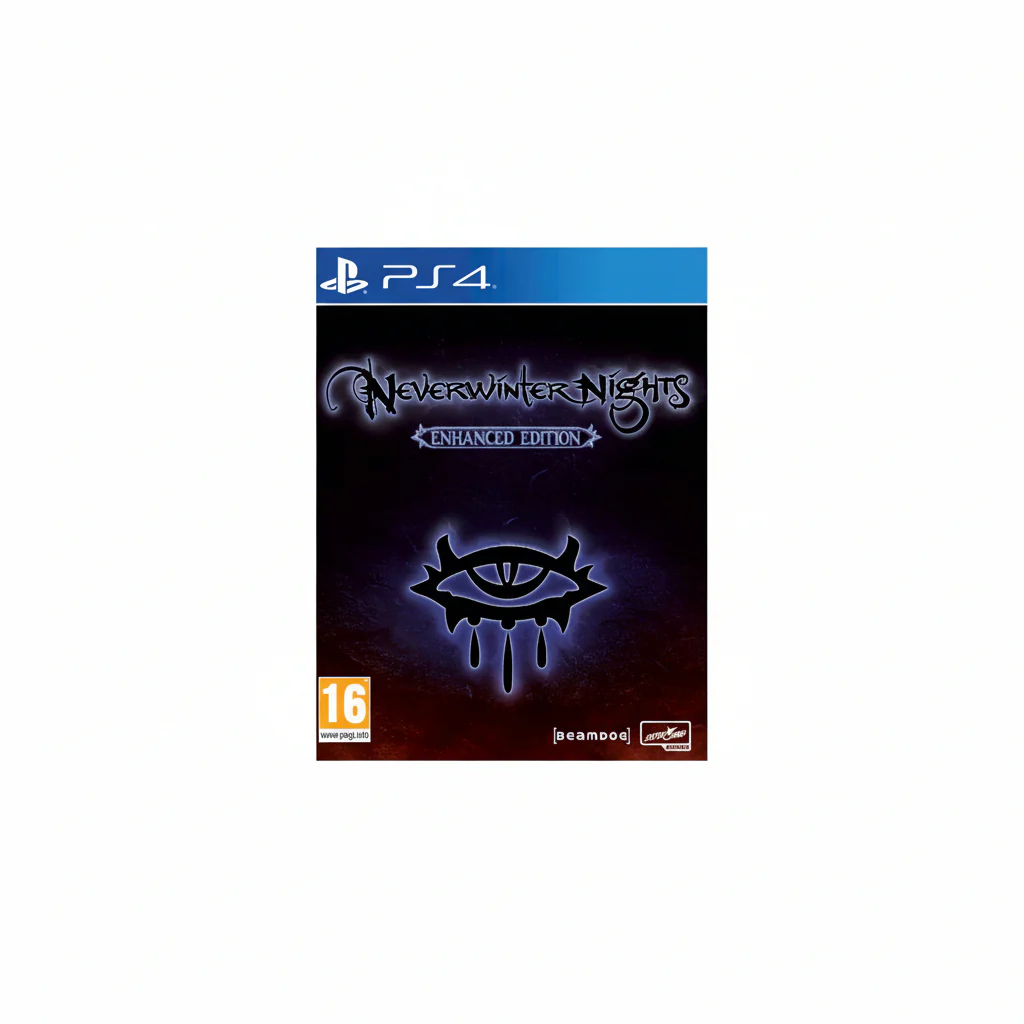
PS4 PlayLink Software
Here’s our quick and easy guide to get you playing in no time:Step 1: Purchase/download your PlayLink game of choice onto your PS4 and start it.Step 2: Download the game’s free app from the Google Play Store or the Apple App Store.Step 3: Connect your mobile device to your PS4 either by:Using the same Wi-Fi network as your PS4 console (go to Settings Network View Connection Status and check the SSID option to confirm the network name), or,Using your PS4 as a Wi-Fi hotspot by pressing the OPTIONS button on your DUALSHOCK 4 wireless controller and selecting Wi-Fi hotspot Yes Yes to show hotspot details. On each smartphone or tablet that you want to play on, go to settings and select the PS4 hotspot under Wi-Fi settings.
Product Information
Product Information
Shipping & Returns
Shipping & Returns

PS4 PlayLink Software
PS4 PlayLink Software
Here’s our quick and easy guide to get you playing in no time:Step 1: Purchase/download your PlayLink game of choice onto your PS4 and start it.Step 2: Download the game’s free app from the Google Play Store or the Apple App Store.Step 3: Connect your mobile device to your PS4 either by:Using the same Wi-Fi network as your PS4 console (go to Settings Network View Connection Status and check the SSID option to confirm the network name), or,Using your PS4 as a Wi-Fi hotspot by pressing the OPTIONS button on your DUALSHOCK 4 wireless controller and selecting Wi-Fi hotspot Yes Yes to show hotspot details. On each smartphone or tablet that you want to play on, go to settings and select the PS4 hotspot under Wi-Fi settings.
Original: $51.15
-70%$51.15
$15.34Product Information
Product Information
Shipping & Returns
Shipping & Returns
Description
Here’s our quick and easy guide to get you playing in no time:Step 1: Purchase/download your PlayLink game of choice onto your PS4 and start it.Step 2: Download the game’s free app from the Google Play Store or the Apple App Store.Step 3: Connect your mobile device to your PS4 either by:Using the same Wi-Fi network as your PS4 console (go to Settings Network View Connection Status and check the SSID option to confirm the network name), or,Using your PS4 as a Wi-Fi hotspot by pressing the OPTIONS button on your DUALSHOCK 4 wireless controller and selecting Wi-Fi hotspot Yes Yes to show hotspot details. On each smartphone or tablet that you want to play on, go to settings and select the PS4 hotspot under Wi-Fi settings.